

Keep track of different COM ports, including, but not limited to RS232, RS485, and RS422. Establish various types of connections, select from three available operation modes, including Spy and RS232 Terminal, and view the transferred data in HEX, ASCII, and binary formats.
As you can tell from its name, Advanced Serial Port Monitor allows monitoring COM ports of various types, may they be the ubiquitous RS232 or the lesser used RS485 and RS422 serial interfaces.
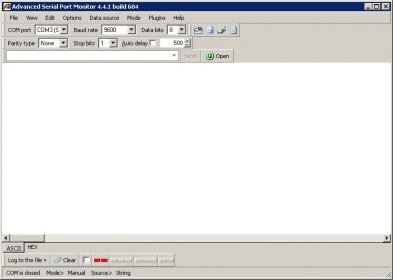
Though it has a rather simple and intuitive interface, the main functionality of this application recommends it to advanced users such as professional automation specialists. It also provides many advanced features and functions that make this application more suitable for the intricate serial port monitoring tasks than for the simpler ones.
I think that one of the most important advantages of this application is the fact it supports different types of connections, being able to monitor not only the data transfer between a serial port and a Windows application, but also the data transfer between serial devices. This is possible because it supports 3 different operation modes, including a “spy” (“sniffer”) mode that allows monitoring the data exchange between two external devices which are connected with a cable. Full duplex mode is also supported, allowing the simultaneous bidirectional transfer from and to the computer. more






Comments (2)